
Anime SDXL · Cagliostro Research Lab
Animagine XL — anime images with clear tag control
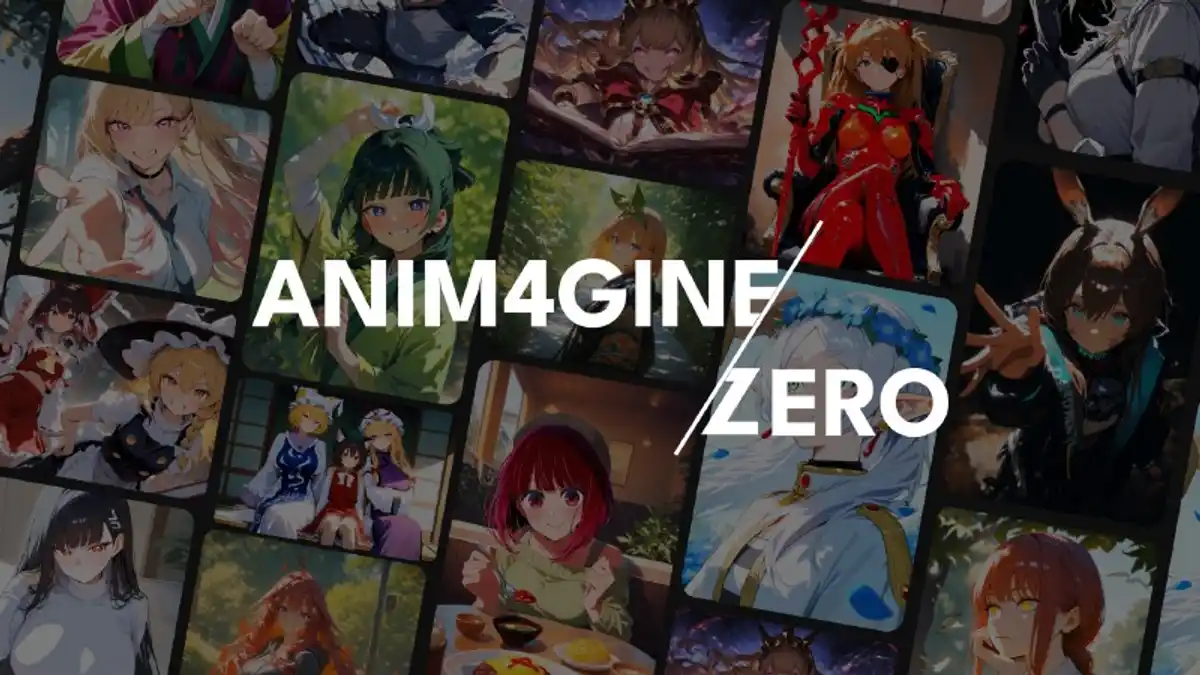
Animagine XL is a popular Stable Diffusion XL series trained for anime-style art. The current main line is 4.0 (also called Anim4gine), rebuilt from SDXL 1.0 with millions of anime images. Explore guides, version history, and try demos in your browser.
- Base
- SDXL 1.0
- Latest
- 4.0 / Opt
- Prompt style
- Danbooru tags

Why Animagine XL
Built for anime creators who like clear tags
People use Animagine XL when they want anime characters, recent series knowledge, and a prompt style that feels like Danbooru tags — with extra quality, score, year, and rating controls.
Anime-first SDXL training
4.0 was trained from SDXL 1.0 (not stacked only on 3.x) with about 8.4 million anime-style images and a knowledge cutoff around early January 2025.
Danbooru-style tag ordering
Official guidance prefers a clear order: subject count, character, series, rating, then other tags. Quality boost tags go at the end.
Quality, score, year, rating tags
Special tags help steer looks: masterpiece / high score, year 2005–2025 style eras, and rating labels such as safe or sensitive.
Open commercial-friendly license
Public pages list CreativeML Open RAIL++-M (same family as SDXL terms). Always read the full license before any business use.
History
From 3.0 polish to a full 4.0 retrain
Animagine XL grew as an anime SDXL series. Early 3.x versions refined hands and knowledge; 4.0 started over from SDXL 1.0 for a more natural, flexible look.
- 1
3.0 (January 2024)
Fine-tuned for better hands and concept understanding, using NovelAI-style tag ordering habits.
- 2
3.1 (March 2024)
More character and series knowledge, aesthetic tags, and cleaner quality / rating / year labels.
- 3
4.0 / Anim4gine (January 2025)
Retrained from SDXL 1.0 with ~8.4M images and about 2650 GPU hours — described as more artistic and prompt-following than 3.1.
- 4
4.0 Opt & Zero (February 2025)
Opt adds extra refinement for everyday generation; Zero is a base meant for LoRA and further fine-tuning.

How to use it
A simple starting recipe (4.0-style)
You can run weights in local tools such as ComfyUI, Forge, or Automatic1111. Official 4.0 guidance is a solid default when you start.
1. Order tags clearly
Start with 1girl / 1boy / 1other, then character, series, rating. Put quality tags like masterpiece, high score, great score, absurdres at the end.
2. Use solid sample settings
For 4.0, try Euler a, about 25–28 steps, CFG around 4–7 (often 5), and standard SDXL resolutions.
3. Name series with characters
When you call a character, also add the series or copyright tag. Training pairs characters with their series.
4. Try in the playground
Open the playground and switch tabs between famous versions: v4.0, v3.1, and v3.0.
Playground
Try Animagine XL in the browser
Open the playground and switch tabs between famous versions — v4.0, v3.1, and v3.0. No local GPU install required to start.
The demo may take a little time to load — please wait a moment if it looks blank at first.
Launch playground
Resources
Where to go next
Features, history & future
A junior-high-friendly deep dive into what Animagine XL is, how versions grew, and what public roadmaps say next.
Read articleAnimagine XL 4.0 deep dive
What the latest main line claims: retrain details, special tags, Opt/Zero variants, and recommended settings.
Read 4.0 notesCivitai model page
Official gallery, version files, and community samples for Animagine XL 4.0.
Open Civitai